

Jun 14, 2024-Reviews
FTPie Review - 2024
We've tested FTPie, the ultimate FTP and Clouds explorer
Welcome to our FTPie review 🤩
FTPie is an FTP Client and a “Cloud Explorer.” I must admit: that I had difficulty visualizing what you could do with FTPie before reading the landing page. When I saw "FTP client," I imagined something like Filezilla, which I used years ago.
But FTPie is much more than just an FTP client: we will show you why in this review!
Discovering the tool
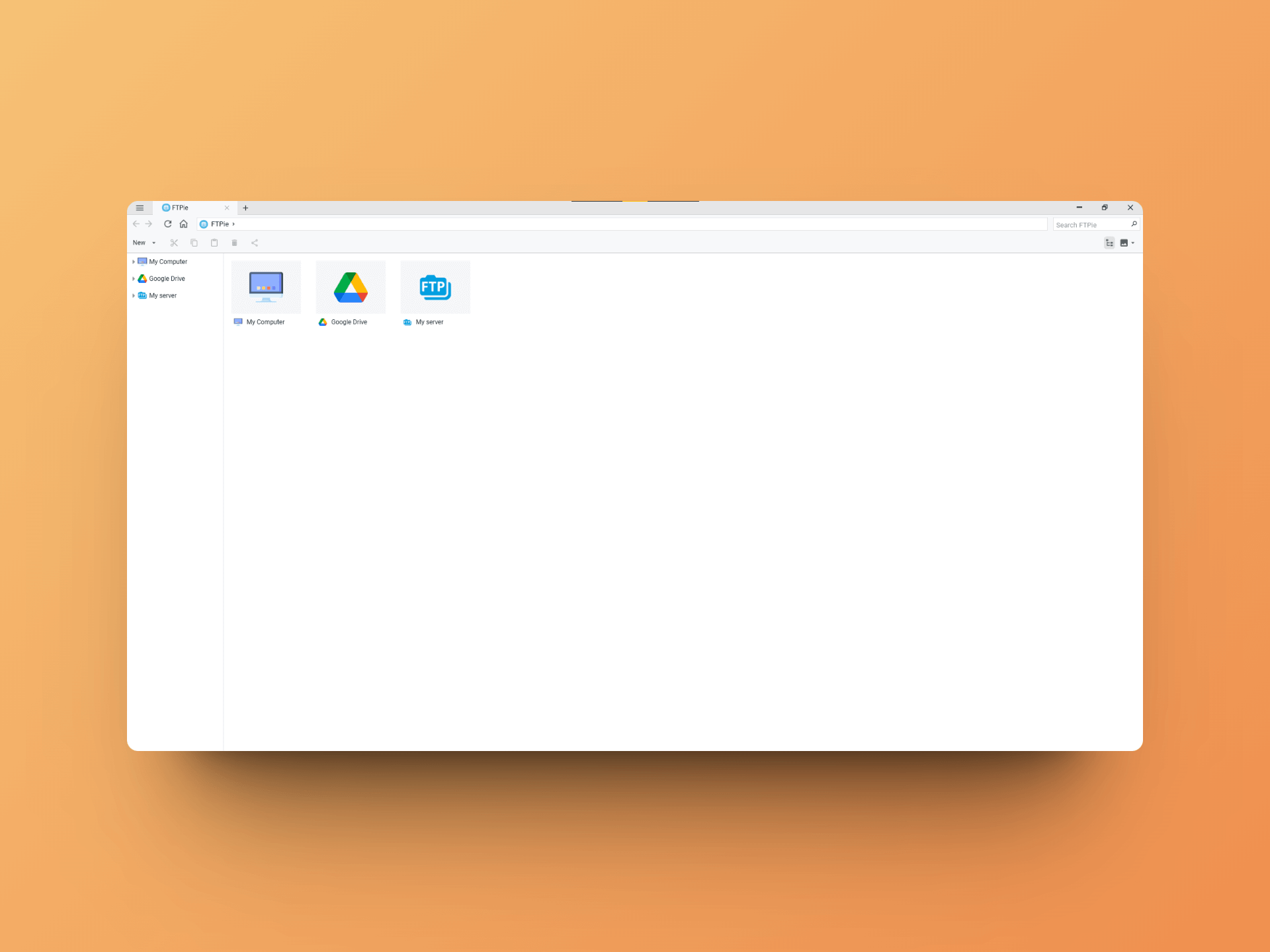
When you first arrive at FTPie, you only have access to "My Computer," which allows you to explore your computer's files through a smooth and pleasant interface. The application is also available in dark mode, which I will enable for the next screenshots 😇.
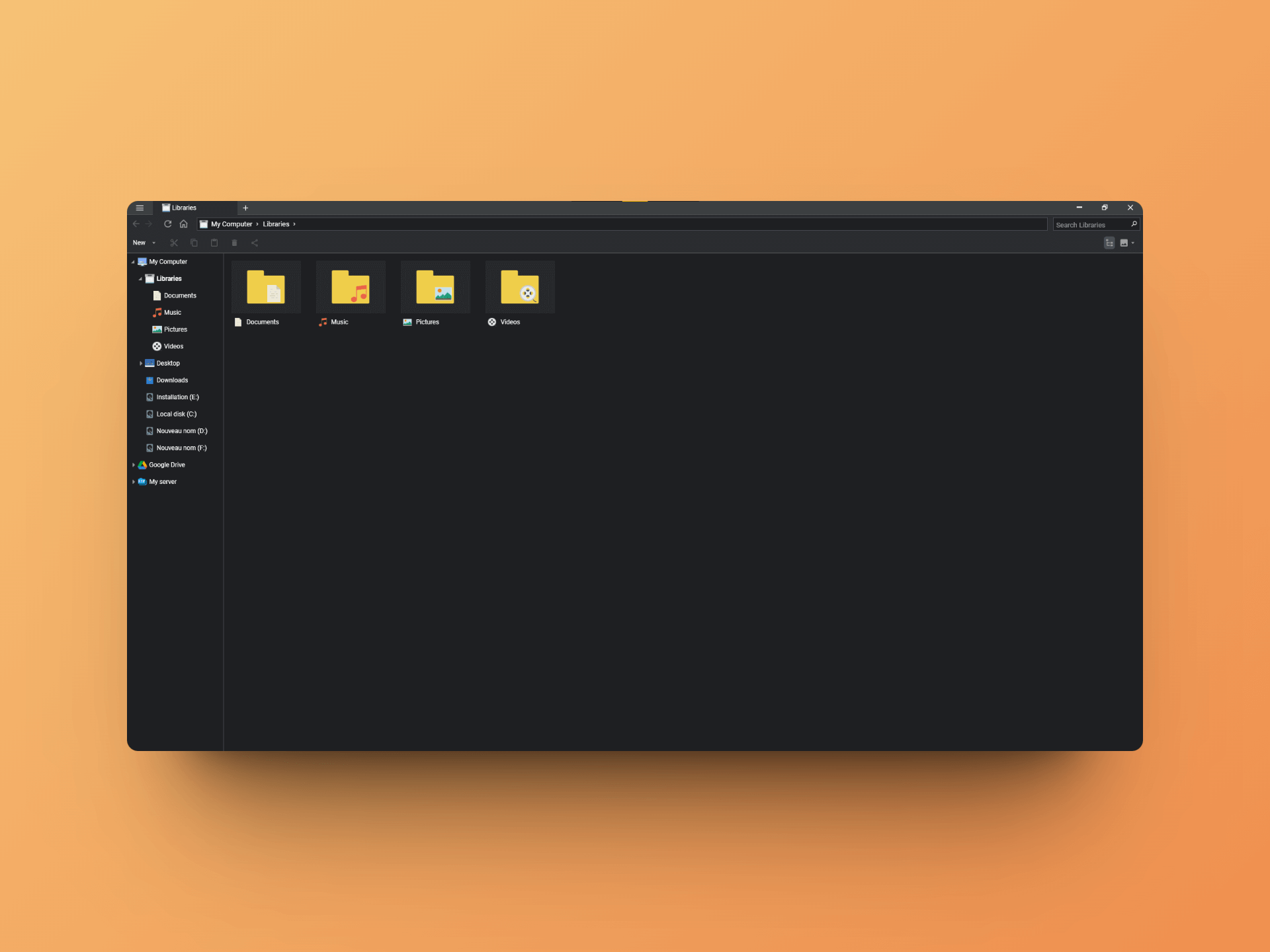
The file explorer has all the basic features: viewing, copying, deleting, previewing, icons, etc. It is entirely capable of replacing your default file explorer if you wish.
💡 Having all your files and cloud access in one place allows you to quickly move, download, and upload your files between your different accounts and your computer.
But now, let's explore the more advanced features!
FTP Client and Cloud Explorer
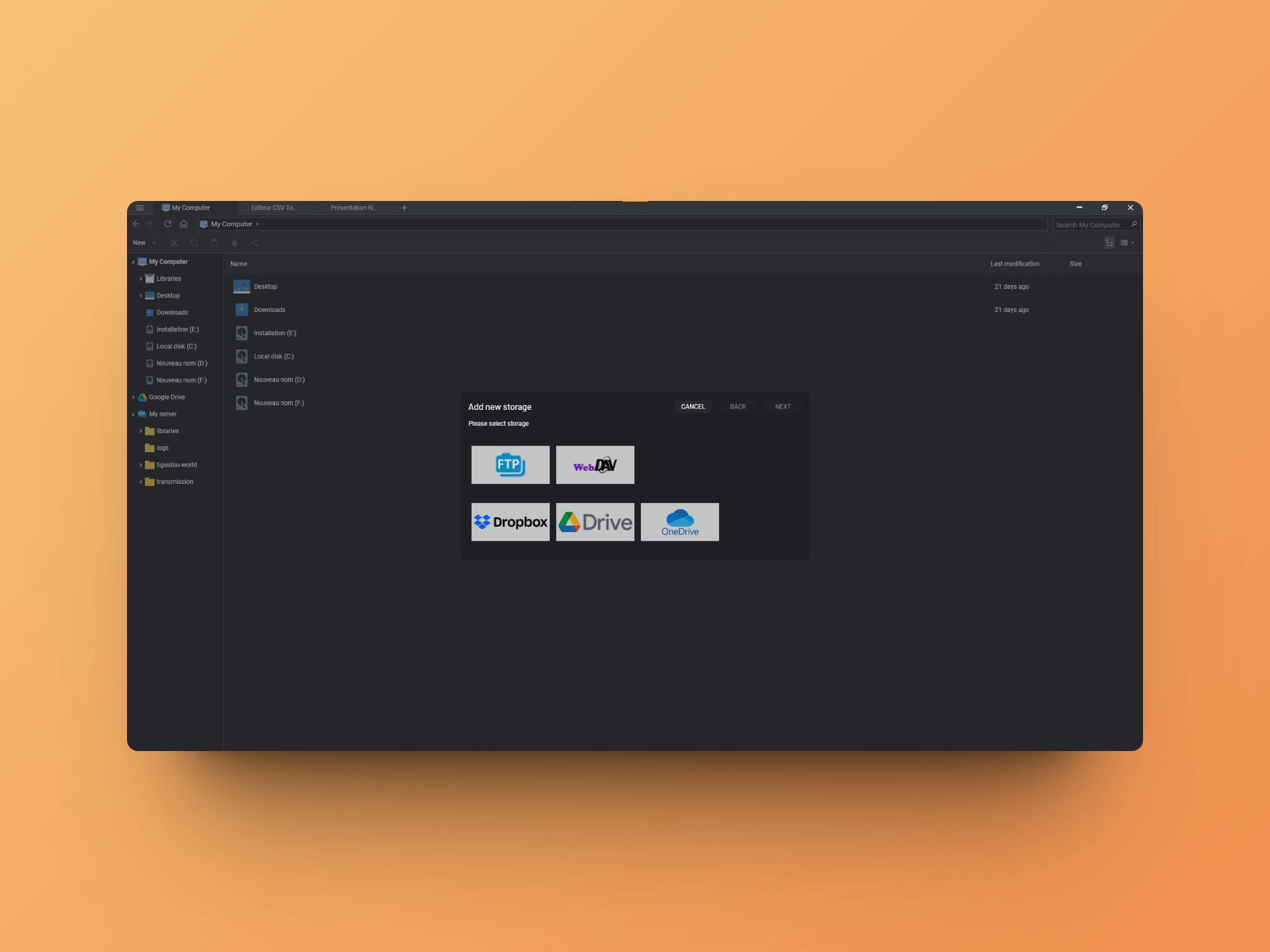
You have the option to add new "sources" to FTPie: FTP connections, WebDAV, and especially Dropbox, Google Drive, and OneDrive.
All these sources will be accessible via a single interface 🤩!
The FTP connection to my server works without any issues, and I find myself wondering why I got used to doing everything via the terminal when it's possible to have such a handy interface 😅.
I then connect my Google Drive account...
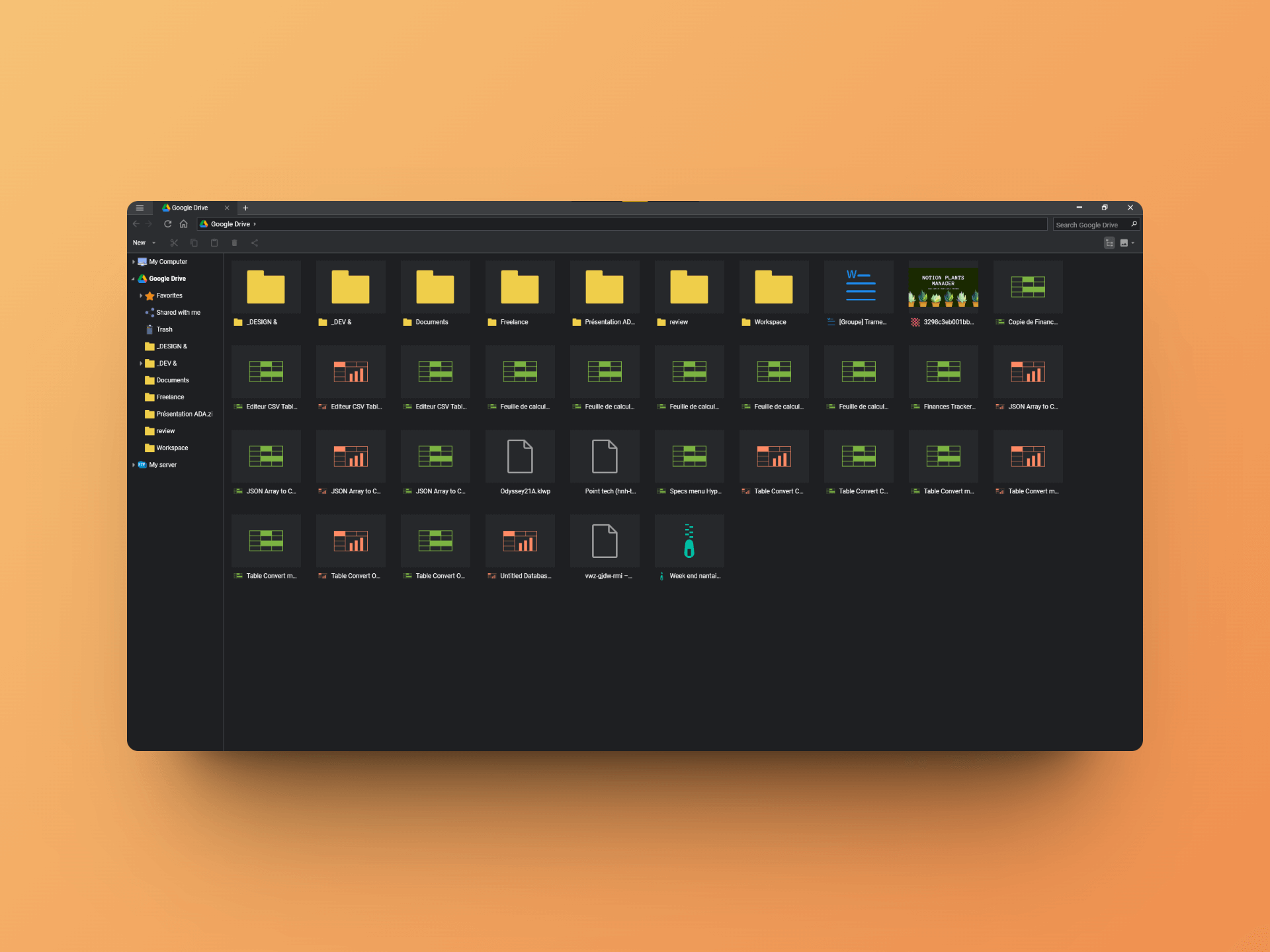
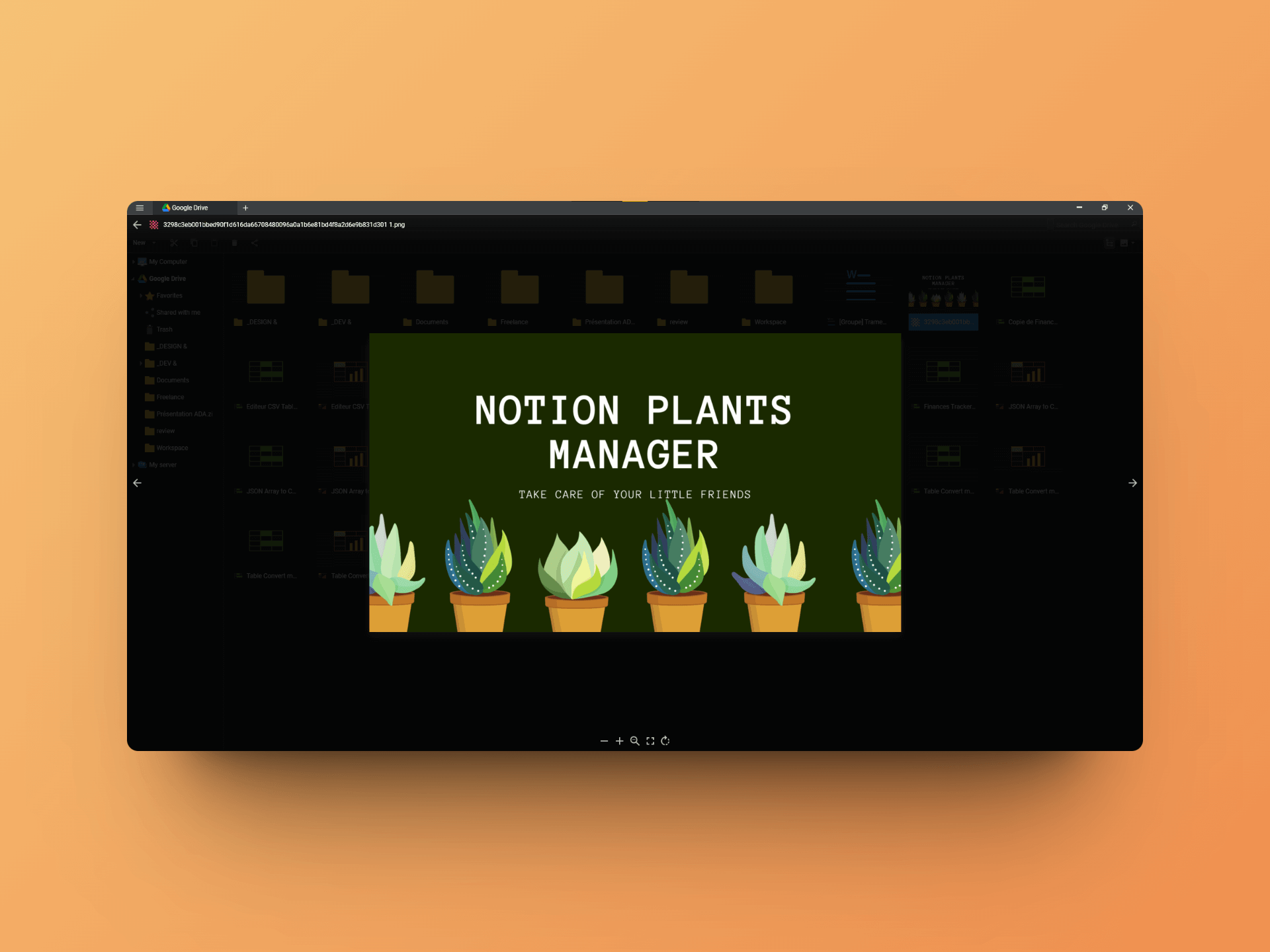
And it's at this moment that I realize the power of FTPie 🤯. Here is a non-exhaustive list of what you can do:
- Play music
- Watch videos
- Preview images
- Open your documents, sheets, and presentations directly via FTPie
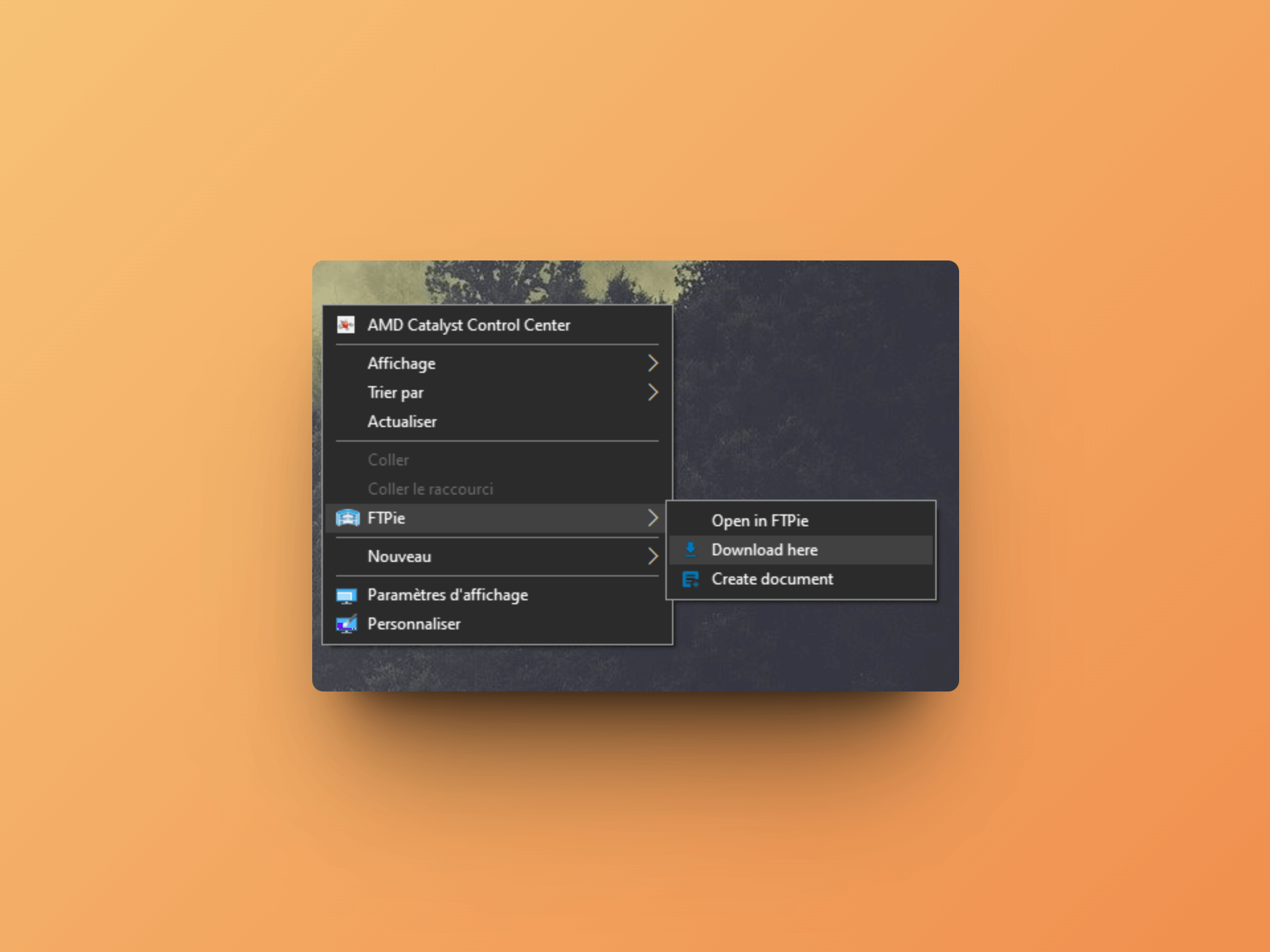
And finally, FTPie also adds very handy shortcuts in the Windows context menu:
💡 If you check the “Coming Soon” section on FTPie’s landing page, you’ll see that a lot of interesting new features are coming: file encryption, backups, notifications and more 😍
Conclusion
And that concludes our FTPie review! This tool is much more than a simple FTP client and allows you to imagine new workflows to manage your files and servers with greater productivity.
Moreover, unlike many tools of the same kind, FTPie offers a free trial and is available as a one-time purchase!
My only regret is that it is only available on Windows for now!
Bento Review - Better than Convertkit in 2025?
We've tested Bento, Email & Automation for FAST Growing Startups
QuizRise Review - 2024
We've tested QuizRise, the AI quiz generator to make learning easy
Related Articles