Feb 4, 2025-Reviews
Compresto Review: Boost your productivity with smart file compression in 2025
We tested Compresto, the smart file compression app that will transform your workflow.
Welcome to this Compresto review.
Compresto is a macOS application that revolutionizes media file compression. If you're looking for a tool to drastically reduce your file sizes while preserving their quality, you're in the right place!
Let's discover this gem together 💎
An interface that gets straight to the point
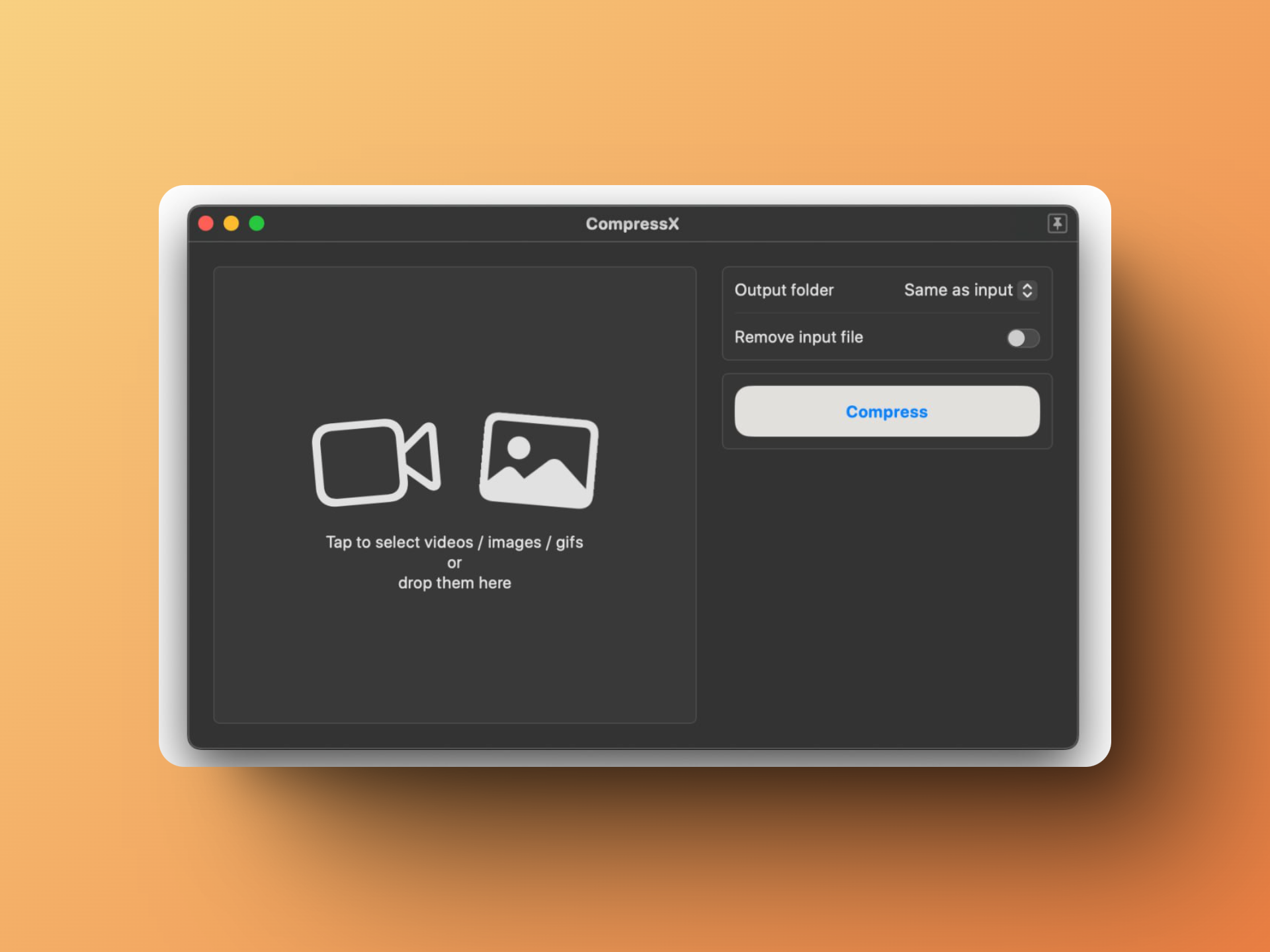
From the moment you open the application, you're struck by its minimalist and efficient interface. It works entirely offline - a crucial point for those who handle sensitive data or work on the go. Getting started is immediate: enter your license, arrive at a drop zone for your files on the left, compression options clearly presented on the right, and you're ready to go! It's the very definition of "it just works" 🎯
Features that make the difference
Automatic folder monitoring 👀
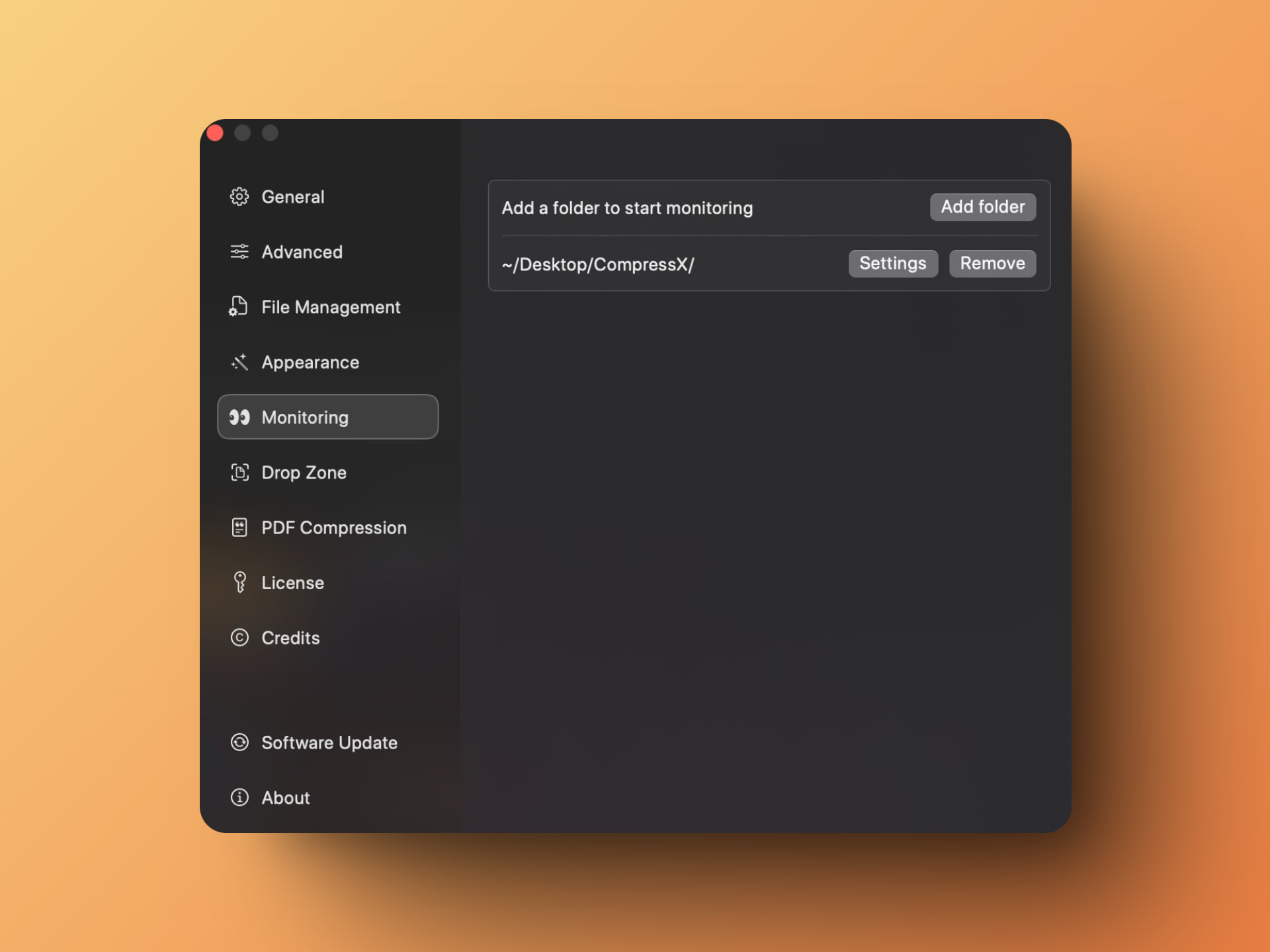
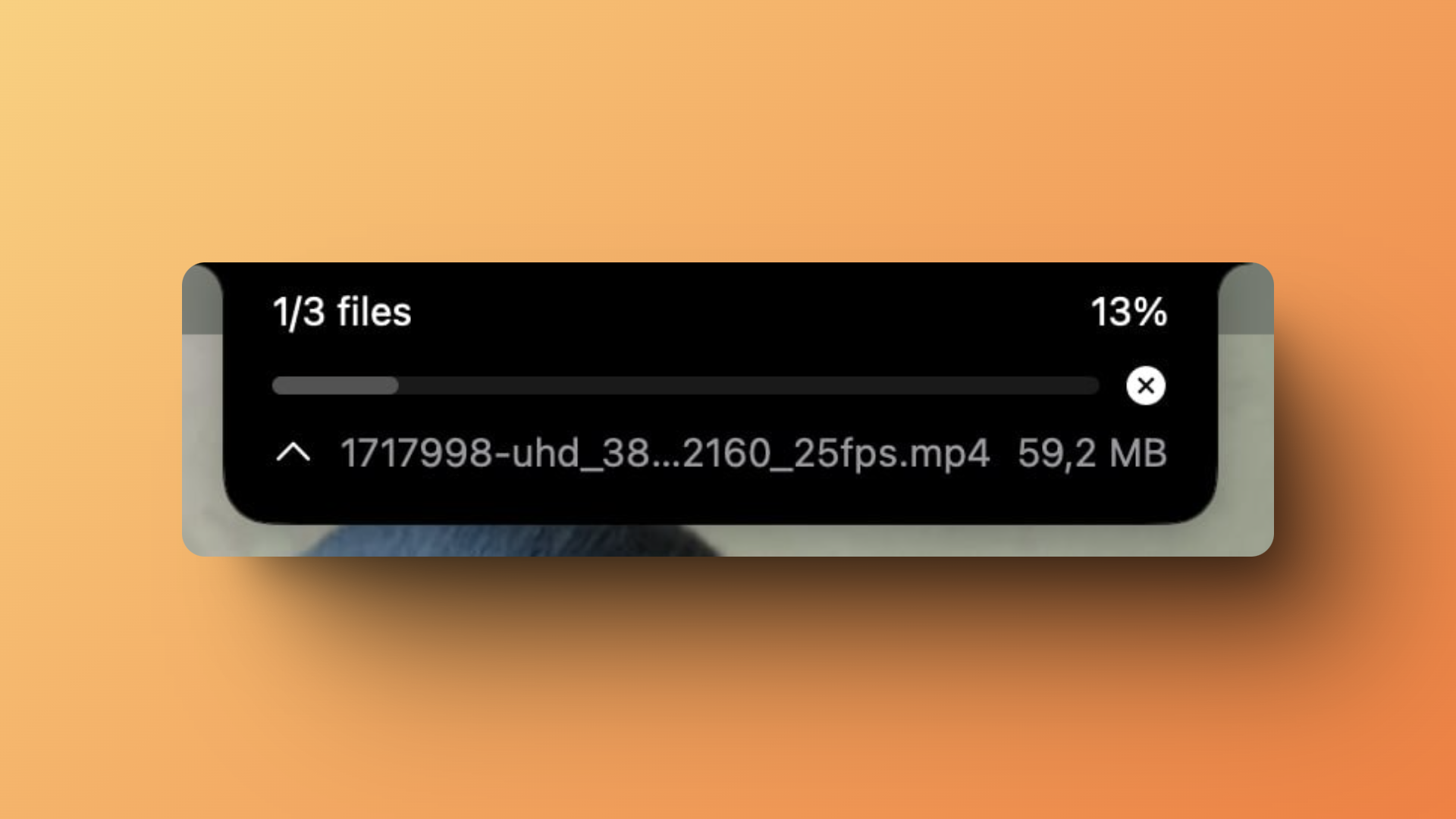
The feature that impressed us the most: folder monitoring. Imagine: you designate a folder to Compresto, and the app automatically compresses any new file that appears in it. It's magical - just drop files in the monitored folder, and a small overlay appears at the top of the screen to indicate ongoing file compression. For someone who constantly works with media, it's an absolute game-changer! No need to think about compression anymore, it happens automatically. No more mental load!
Raycast Extension 🎯
Compresto integrates perfectly into your workflow thanks to its Raycast extension (an ultra-powerful application launcher for macOS that replaces Spotlight). Thanks to the Compresto extension for Raycast, you can compress your files with a simple ⌘ + Space followed by the "compress" command. You don't even need to open the application. This clever integration makes all the difference in daily use!
Multi-format support 🎨
The application handles numerous formats, there's something for every need:
🎥 Videos (export to MP4, WebM): you can even trim the video from Compresto, all in one! 📸 Images 🎬 GIFs (with video to GIF conversion possible!) 📄 PDFs (via Ghostscript)
PDF: Impressive Efficiency 📄
For PDF compression, Compresto requires Ghostscript installation (a powerful PDF interpreter). The installation is easy via Homebrew (brew install ghostscript) or MacPorts. Once installed, simply indicate Ghostscript's path in Compresto settings - the complete guide is available in the documentation. The result is spectacular: we tested with a particularly large 107 MB PDF. With "High" quality selected for the output, we obtained a 2.2 MB file in about 3 minutes. A 97% reduction while maintaining perfectly usable quality! So yes, the setup requires an extra step, but given the results, it's definitely worth it.
Real-world testing ⚡️
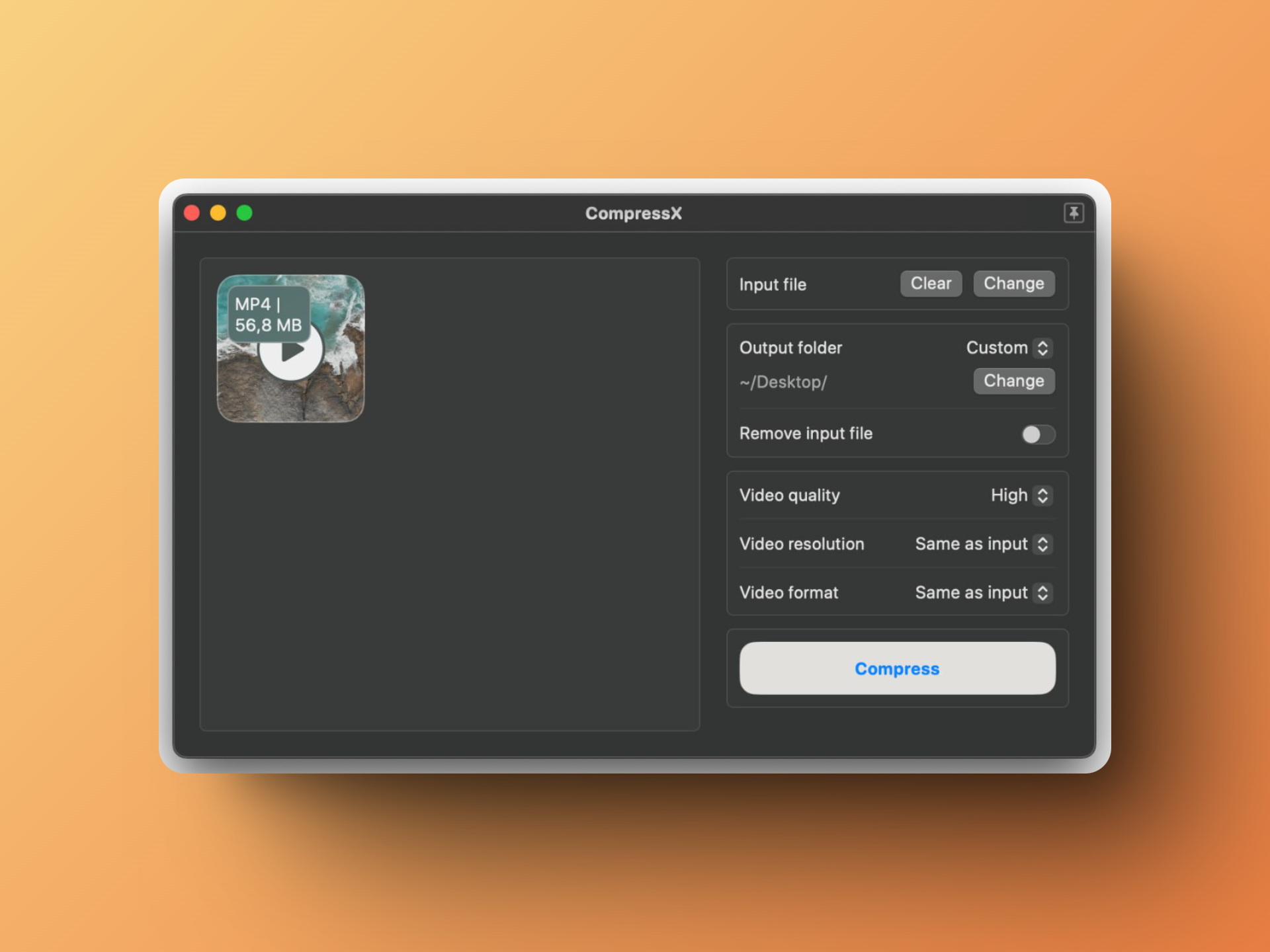
To test the compression, we used a 4K video of 56.8 MB. After compression in "Good" quality, we got a 16.5 MB file in Full HD (1920x1080). The difference in quality is barely noticeable!
Looking at the technical details:
🎯 Compression rate: 59% ⚡️ Compression time: 22 seconds
It's impressive to see how much you can reduce a file's size while maintaining almost identical quality! Here's the before/after:

Settings for all uses
Compresto offers numerous options in its Settings:
🎨 Customization:
- Pre-formatting of compressed file names
- Preservation of original creation date
- Automatic compression parameters
⚡️ Workflow:
- Automatic file copy to clipboard
🔔 Notifications:
- Compression completion alerts
- Progress tracking
And many more!
Unbeatable Pricing 💰

Compresto offers an extremely competitive pricing model. At just $3 per month with the annual subscription, you get access to all the app's features. It's an incredibly small investment compared to the time saved and value provided. If you regularly work with media files, it's simply a no-brainer!
Conclusion
We've reached the end of this Compresto review. The application succeeds in being both simple to use and incredibly powerful. Its approach to automation via folder monitoring and system integrations makes it particularly well-suited for professional workflows.
If you're a content creator, digital marketer, or simply someone who regularly handles media files, Compresto truly deserves a place in your toolbox. The application is particularly indispensable for:
🎥 Video content creators 📸 Photographers managing large quantities of images 🎯 Marketers regularly publishing on social media 👥 Teams working on projects requiring file sharing
And the most impressive part? All of this works locally, without cloud dependency 🚀
Pingify Review - Keep Your Website Online 24/7 with Lifetime Access in 2025
We've tested Pingify, a powerful website monitoring platform with lifetime access that helps you track uptime, SSL, DNS, and cron jobs with real-time alerts
Notis.ai Review - Voice to Notion
We've tested Notis.ai, a Notion autopilot to transcribe, organize and find anything for you, right from your phone.
Related Articles